woofie's toolbox - transparencies
On WebTV, you can control mixing of various layers of images, table cell background colors,
table cell background images, and page backgrounds by using the transparency attribute.
This attribute accepts a value from 0 to 100 indicating how transparent that layer should be.
transparency=100 means that the image or object is completely transparent and invisible.
transparency=0 means that the image or object is opaque and nothing below it is visible.
Transparency is an attribute of images <img>, tables <table>, table rows <tr>, table cells <td>.
Note: the following is properly viewed only on WebTV.
These images are all actually the same image. We added the transparency attribute
to the img tag and set it to 25, 50, 75, and 100, and placed them in table cells that have
the background color set to black. Transparency=100 results in a black square.
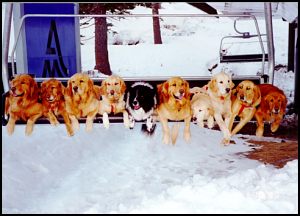
transparency=0
|
transparency=25
|
transparency=50
|
transparency=75
|
Here, we set the transparencies all at 25 and set the table background colors as shown.
One could also place images as table backgrounds and composite the images. The table cell
transparencies can also be set, allowing one to composite many (I think unlimited) layers
by nesting tables inside table cells. This is an area for experimentation and left to the reader
to play. Note this could be used to create effects and minimize download time by reusing images.
|
|
|
| bgcolor=000000 |
|
bgcolor=ff0000 |
|
bgcolor=00ff00 |
|
|
|
|
| bgcolor=0000ff |
|
bgcolor=ffff00 |
|
bgcolor=ffffff |
|